Free web accessibility tools
Free tools for website owners and web agencies who work on accessibility under WCAG 2.2 and the European Accessibility Act. No account needed; each tool says what it can and cannot tell you.
Tools
- WCAG checker — test one page against WCAG 2.2 A and AA for free: every issue with its success criterion, EN 301 549 clause and fix.
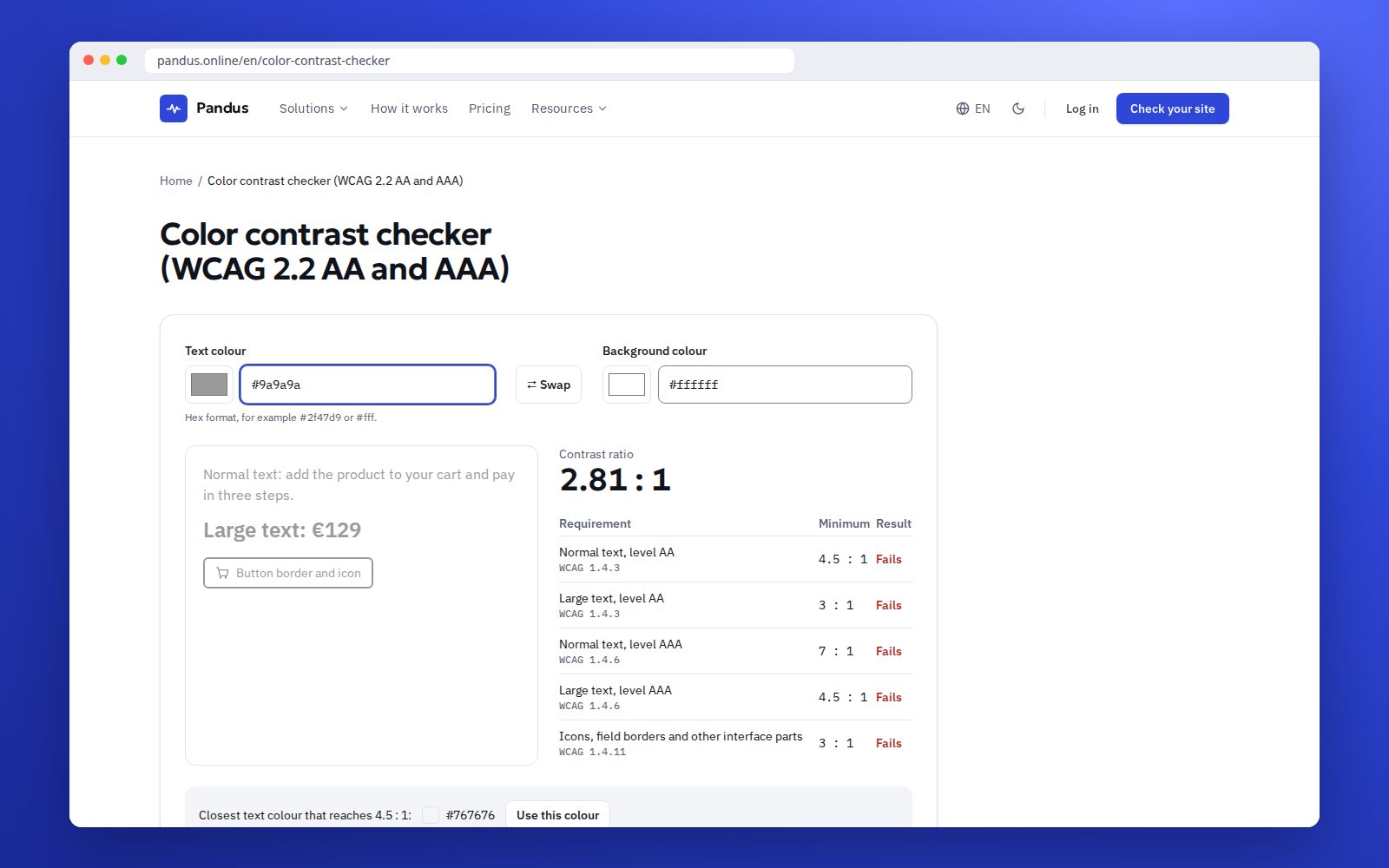
- Contrast checker — the WCAG contrast ratio of a text and background colour, the AA and AAA levels it passes, and the closest colour that passes.
- HTML accessibility checker — paste a snippet or a page and see the WCAG problems in it by impact, with the failing code and a fix. Runs in your browser.
- Palette contrast checker — up to 12 brand colours and the WCAG ratio of every pair, with AA, AAA and interface results, copied as CSS or Markdown.
- Readability checker — sentence and word length of a text in seven languages, long sentences marked, and a reading-ease score for English and German.
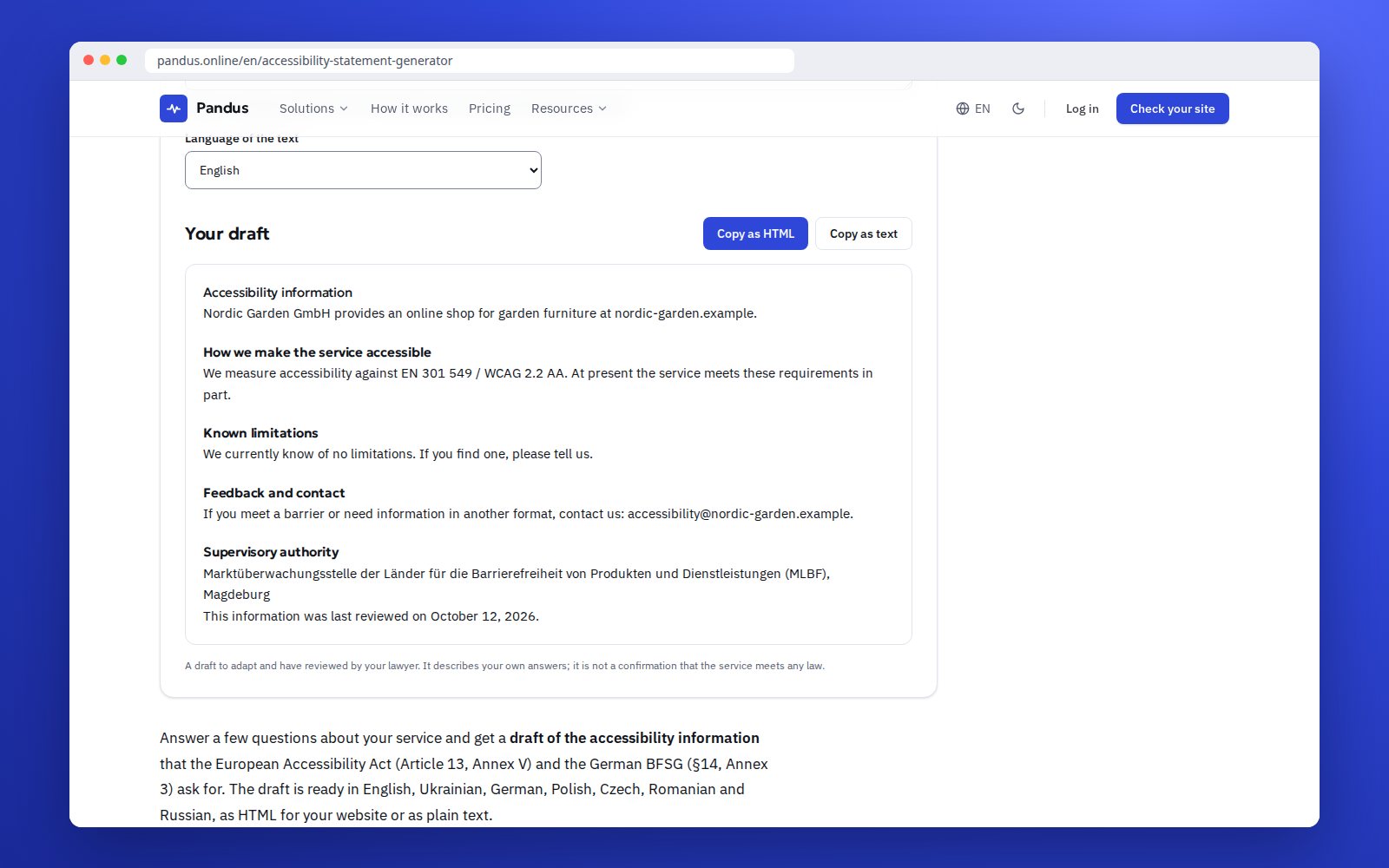
- Accessibility statement generator — a draft of the accessibility information the EAA and the German BFSG ask for, in seven languages, from your answers.
- Free website accessibility check — the same test of one page, explained for the shop owner, with screenshots.
- Does the EAA apply to you? — three questions that show whether the European Accessibility Act likely applies to your business.
- Rules we check — every automated accessibility rule explained: what it means for customers and how to fix it.
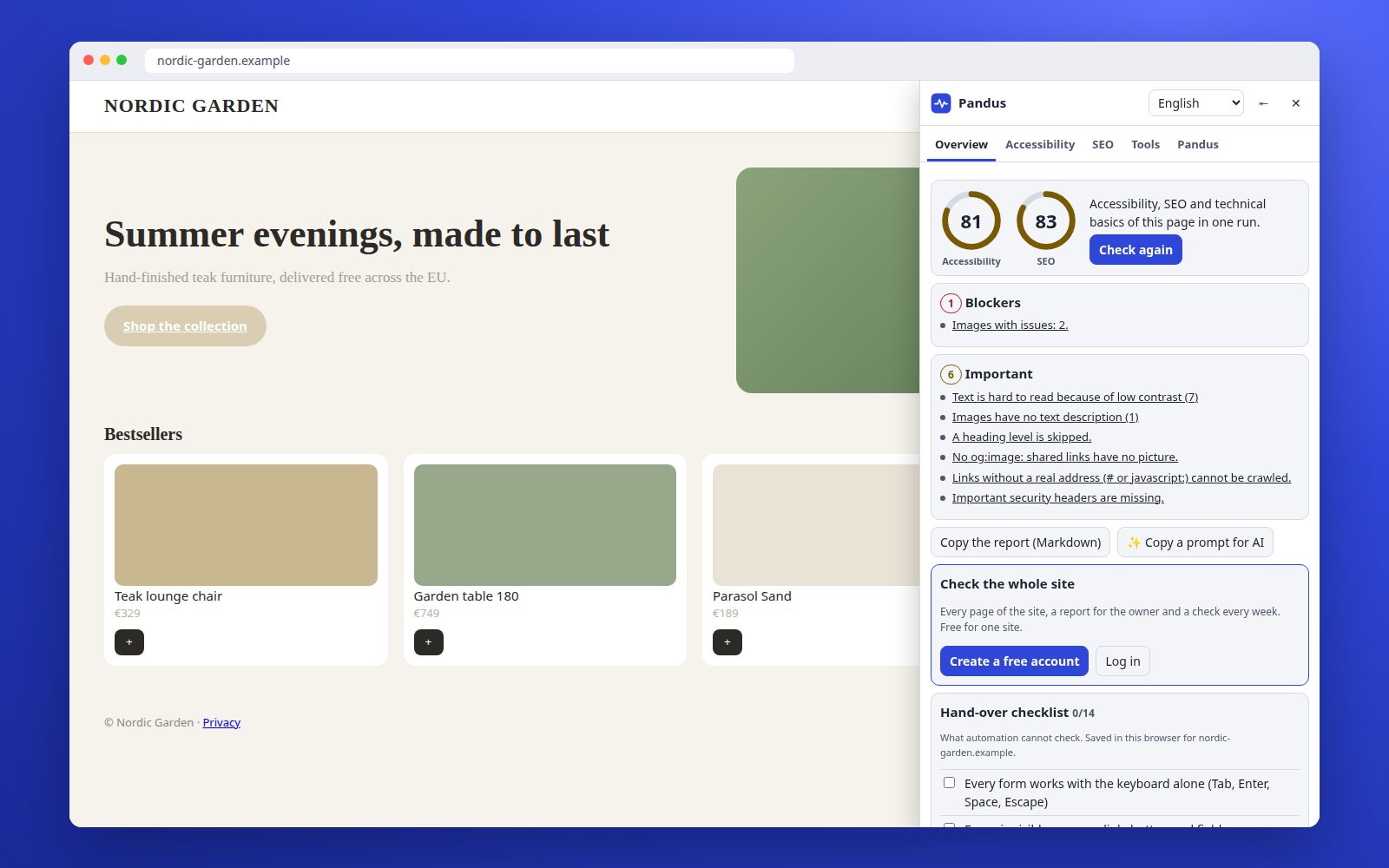
- Browser extension — check any page in Chrome, Edge or Firefox, including the cart and checkout behind a login, with tools for the manual review.
- WordPress plugin — problems next to every page and product in WordPress and WooCommerce, with suggested fixes.
When to use a tool, and when weekly monitoring
The tools answer one question at a time: does this colour pair pass, what goes into the statement, what is wrong on this page. A site changes every week — new products, banners, theme updates — and new problems appear with it. Pandus checks every page of the site each week and explains each problem in the owner's language.
Read next
Help articles
-
Free tools: what each one does
A quick check of one page, an HTML checker, contrast and readability tools and a statement generator, all without an account.
-
Connect the browser extension to your account
Check pages behind a login, save the result to your site and run a whole-site check from the browser.